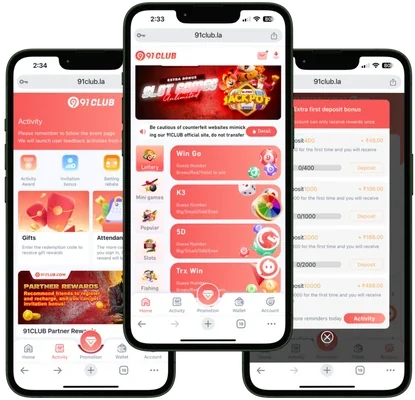
The Yono name covers a family of separate Android game apps that share a lobby style: spin wheels and slot reels across separate domains. They are not one product, and none of them is the SBI Yono banking app. Three to compare are Spin 101, Spin Crush and Yono Slots.
What the shared name hides
Each app runs its own account and terms. The resemblance comes from a common layout, so a login from one will not open another, and a page mixing these games with the bank app is guessing at a connection that does not exist.
How to choose
Compare three things on each page: whether a browser login is offered, which channel handles the reported ₹100 floor, and how the bonus terms read. Begin with the app whose payout route you already use, then confirm the floor in the wallet.
All Yono Apps FAQ
Are the Yono game apps connected to SBI Yono?
No. SBI Yono is a banking app, while these are separate game apps with their own accounts and wallets. No bank login works inside a game lobby.
Do all Yono apps share one account?
No. Each app has its own domain, account and wallet. A login created in one will not open another, even when the layout looks identical.
Can I use a Yono app in a browser?
Most list a web login beside the app, and the wallet is the same on both routes. Check that the browser entry loads before you register.
What is the usual minimum withdrawal?
A ₹100 floor is common across the family, paid through UPI or IMPS bank card. Confirm the figure on the wallet screen of the app you choose.
Last checked November 2026. Bonus and withdrawal figures are publicly reported and can change by version or region.